





Published
InstagramSpring collection / 09:00
The platform returned a post ID.Plan posts, reuse your best creative, and manage ad changes in one workspace. Bring your AI along with Rappizo MCP.
Platform connections open in stages.
The creative, the calendar, the campaigns and your AI. Give your team one place to move a launch forward, from the first draft to the next decision.

 Fictional launch · Interactive example
A clear plan for every channel, from the same creative brief.
ExploreOrganize social and ad accounts around the brand they belong to. Know what is in scope and what opens next.
Spring collection1 Social ProfileFirst-wave channels open individually. These are not live connections yet.View availability
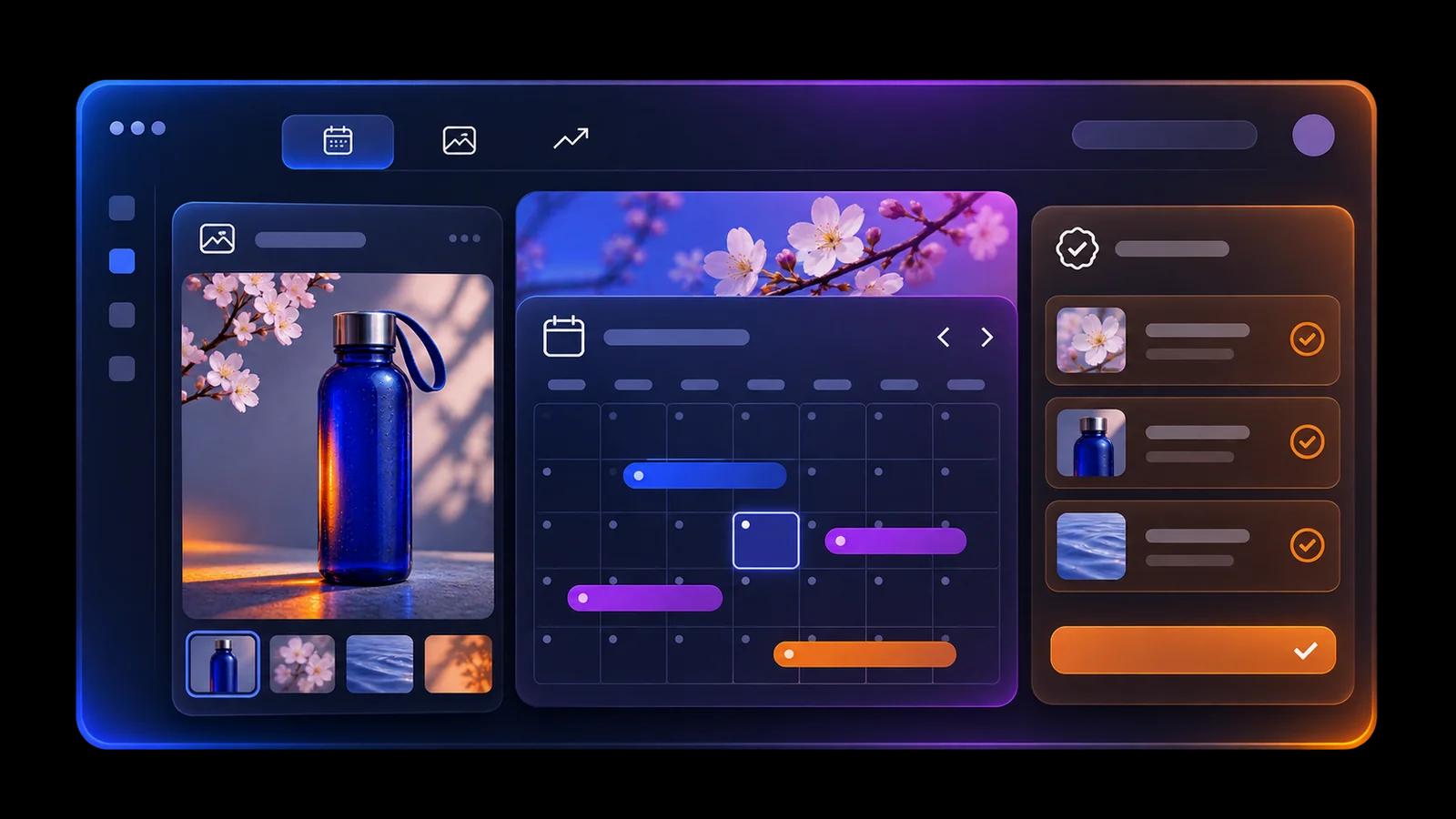
Start with one draft, then shape the caption and format for each channel. Keep the idea consistent without making every post identical.
One bottle. A new everyday ritual.

A little color for your everyday. Meet the spring collection.
Selected channel previewFrom the first sip to the last stop. A day with our new bottle.
Adapted from master draftThoughtful details, made for everyday use. Take a closer look at our spring launch.
Adapted from master draftSee the whole week before it starts. A shared calendar makes the next post, its channel and its planned time clear to everyone.
A closer look at the detailsInstagram
From desk to day outTikTok
Keep original creative in a private library. Bring the same asset into a social post and an ad draft, without another handoff or another copy to find.
A 4:5 crop for Instagram, planned for Wednesday.
The original creative, carried into an ad draft with its context.
Follow each channel separately. See what went live, what is queued and which failed item needs attention before you try it again.
Spring collection / 09:00
The platform returned a post ID.Design story / 12:30
Waiting for the planned publishing time.Day out / 18:00
Example error: temporary platform timeout.Review campaigns in one workspace and prepare a budget change in context. Keep the proposal visible before it becomes an action.
Spring launch / Ad workspaceFictional launch · Interactive exampleCompare the current budget with the proposal, review the reason and choose who approves. Only an approved request can enter the execution queue.
Meta Ads · Spring / Discovery
+$10 / day · Nothing else changes
Alex · Workspace ownerReviews the amount, rationale and account scope.
Read performance by source, currency and attribution. Keep different reporting scopes separate so your next decision rests on the right comparison.
Jan 12–16 · Native currency, no conversion
| Date | Spend | Clicks |
|---|---|---|
| 01/12 | USD 42 | 84 |
| 01/13 | USD 48 | 91 |
| 01/14 | USD 46 | 88 |
| 01/15 | USD 51 | 102 |
| 01/16 | USD 49 | 95 |
Ask for a report, explore a recommendation and receive a reviewable request. Rappizo MCP connects your assistant to a workflow your team can follow.
Choose the accounts in scope and grant reading, social writing and ad requests independently. A connection never means unrestricted control.
Selected accountsSelect the accounts for this connection. Other brands’ accounts stay outside its scope.
Fictional launch · Interactive exampleExplore MCP permissionsMove between brands without mixing their accounts. Make ownership, editing and read-only access understandable to the whole team.
Instagram · Facebook Pages · Meta Ads
Separate account ownership| Access | Owner | Admin | Editor | Viewer |
|---|---|---|---|---|
| View workspace | ||||
| Prepare content | — | |||
| Manage members | — | — |
Follow a fictional bottle launch from the content editor to the media buyer and the approver. The context stays with the work.
Jamie · Content editor
Jamie selects the spring image from the private library, adapts the Instagram caption and plans a detail post for Wednesday at 10:00.
Morgan · Media buyer
Morgan reuses the creative in an ad draft, reviews the campaign report and proposes a $50 → $60 daily budget test with a clear rationale.
Alex · Approver
Alex checks the amount, account and scope before approving. The execution queue and activity record keep the next step visible to the team.
Choose Social by Profile and Ads by seat. Start with either, combine them when ready, and keep the two subscriptions clearly accounted for.
Your brand’s social accounts, grouped together.
Billed monthly: $37.50
The people working on your advertising.
Billed monthly: $8
USD. Social and Ads are separate subscriptions. Plan limits apply; platform connections open in stages.
Straight answers about availability, AI and billing.
The first seven social and advertising channels are planned and will open in stages. You can create a workspace now; the integrations page shows current availability. This page uses fictional demonstration data.
No. MCP can prepare a change request for the accounts you authorize. An authorized teammate must approve it before execution. Social writing and ad requests are separate permissions.
One Profile is a group of social accounts belonging to the same brand or client, across supported platforms. It is not one charge per platform account. Ads seats are counted separately.
Both Social and Ads receive 40% off the monthly rate when billed annually. The calculator shows the discounted monthly equivalent and the full-year charge. Free plans stay free; each product has its own limits.
Create your workspace. Bring the creative, the team and your AI together.
Create a free workspaceFree plans available · Platform connections open in stages







See the content behind the numbers.
Review published posts alongside the metrics available from each account. Turn a week of activity into a more informed creative conversation.
Meet the collection
The introduction reached more people; a product story is a useful next test.
A closer look
The detail image attracted more saves. Try another close-up.
Everyday ritual
The lifestyle scene drew a different response. Keep it for the next comparison.
Fictional examples, not performance claims. Available metrics depend on the channel.